Quickstart
Getting started
Create an account
Go to app.sheetos.ai/signup. No credit card required.
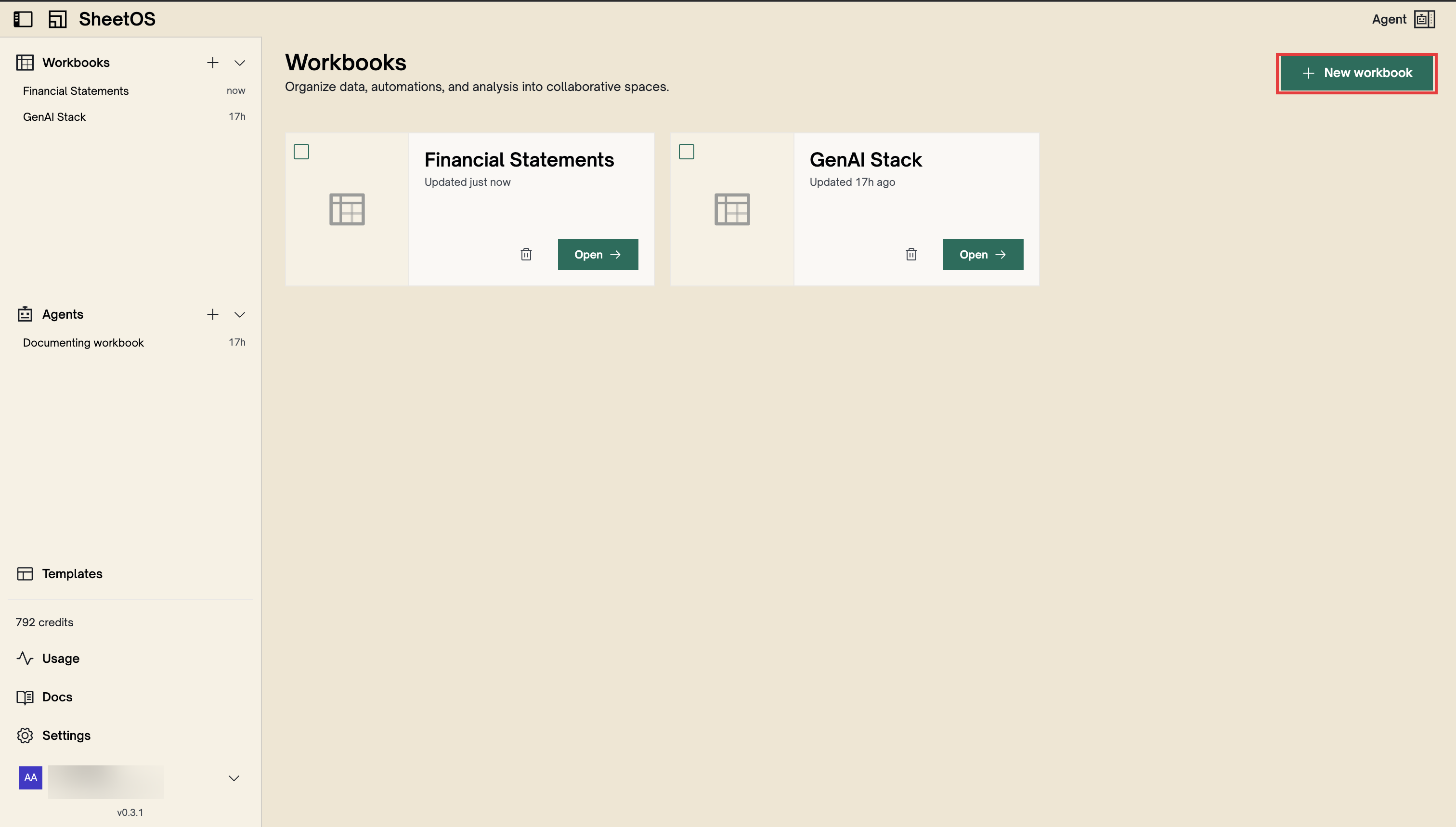
Create a workbook
From the workbook list, click Create.
Open the agent
Click the agent toggle in the top-right. Type something like “Find the top 10 trending repositories on GitHub right now.”
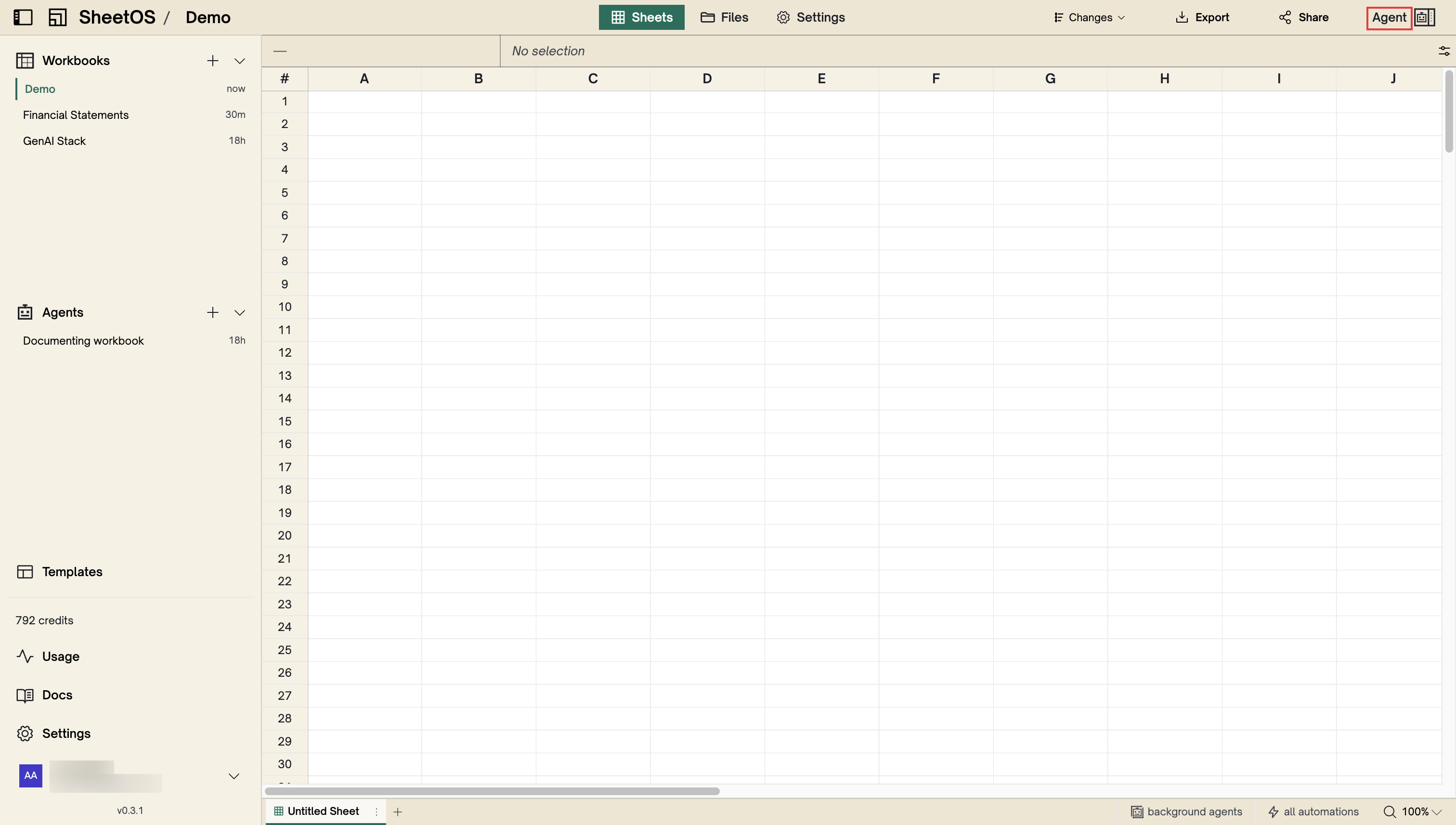
See results
The agent searches the web, creates a table with the right columns, and fills it with real data. A new page tab appears at the bottom as it works. From here, keep talking to the agent to add more data, create summaries, or set up automatic updates.
Next
Workbooks
The top-level container for your data.
Collect web data
Turn any website into structured data.