MCP
Connect any AI tool to your workbooks using the Model Context Protocol.
Overview
MCP (Model Context Protocol) is an open standard that lets AI tools interact with external services. SheetOS exposes an MCP server — meaning any compatible AI tool can read your data, create tables, run Python, and manage automations directly.
This lets you use SheetOS from tools like Claude Code, Cursor, or Windsurf without leaving your editor.
Server details
| Endpoint | https://api.sheetos.ai/api/v1/mcp |
| Transport | Streamable HTTP |
| Auth | Bearer token (API key) |
Setup
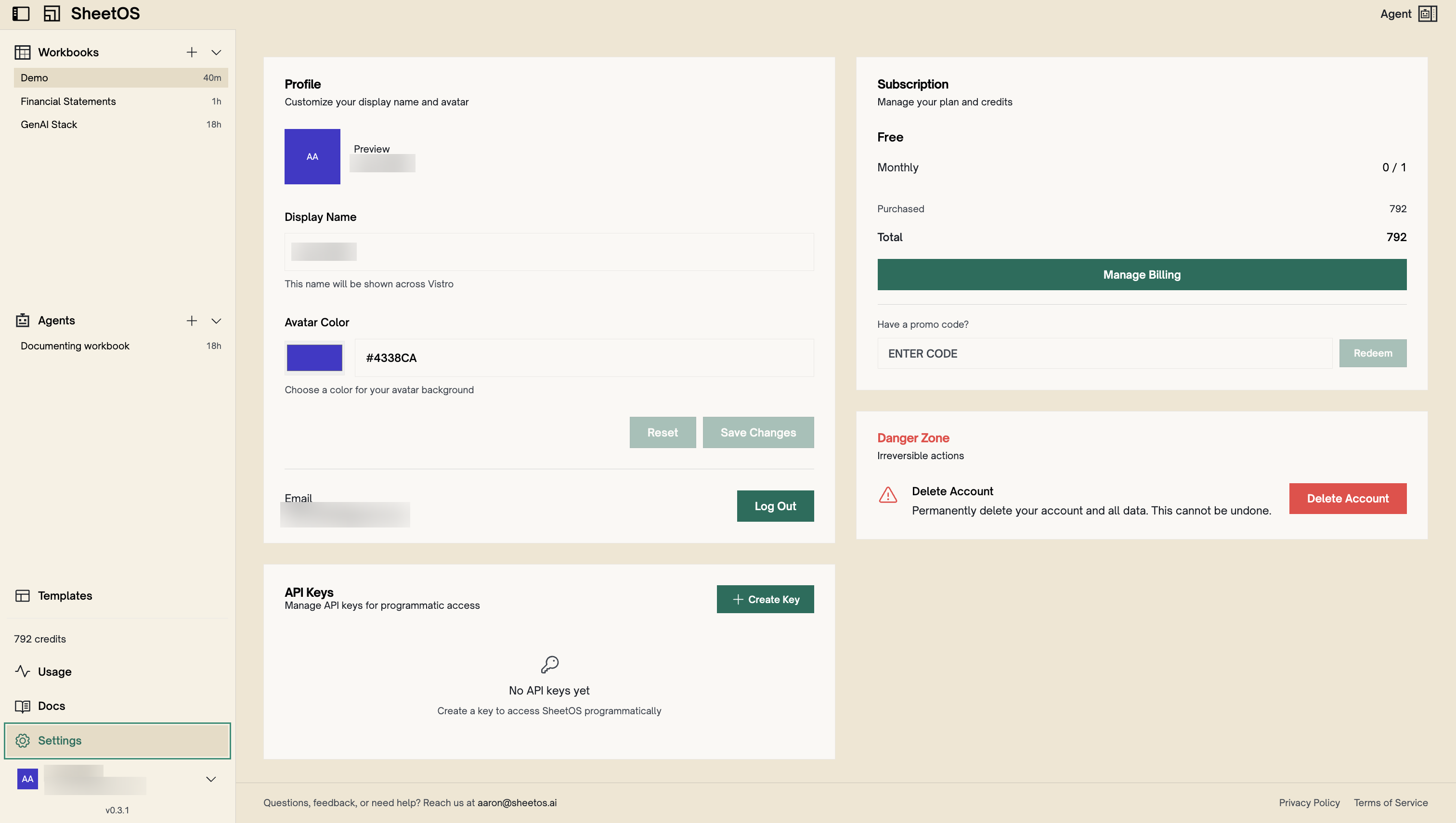
1. Create an API key
Go to Settings in the SheetOS app and create an API key. You’ll need this to authenticate your MCP connection.
2. Add the config to your client
Add this configuration to your MCP client’s config file. Replace <your-api-key> with the key from step 1.
{
  "mcpServers": {
    "sheetos": {
      "type": "http",
      "url": "https://api.sheetos.ai/api/v1/mcp",
      "headers": {
        "Authorization": "Bearer <your-api-key>"
      }
    }
  }
}
3. Restart your client
Restart or reconnect your AI tool to pick up the new server.
Client-specific setup
| Client | Config file | Location |
|---|---|---|
| Claude Code | .mcp.json | Project root |
| Cursor | .cursor/mcp.json | Project root |
| Windsurf | ~/.codeium/windsurf/mcp_config.json | Home directory |
Claude Code — Restart your session, or run /mcp to reconnect.
Cursor — Restart Cursor or reload the window (Cmd+Shift+P → “Reload Window”).
Windsurf — Restart Windsurf to pick up the new config.
Tools
Every MCP connection exposes the following tools. All tools that operate on a specific workbook require a workbook_id parameter.
| Tool | Description |
|---|---|
list_workbooks | List all workbooks accessible to you. Returns IDs, names, descriptions, and page counts. |
create_workbook | Create a new workbook. |
read_workbook_state | Read live operational state: recent activity, engine status, and automation runtime. |
read_table | Read rows from a table with pagination and column filtering. |
read_sheet | Read data from a sheet range. |
query | Execute a SQL SELECT query against the workbook database. Supports JOINs, aggregations, GROUP BY, CTEs, and cross-table queries. |
list_files | List files in the workbook filesystem. Filter by directory path. |
read_file | Read file contents. Supports text files, images, PDFs, and Office documents. |
write_file | Create or update files. Supports full writes and targeted string replacements. |
delete_file | Delete a file from the workbook filesystem. |
run | Execute Python code in the workbook context with access to the full SheetOS SDK. |
load_context | Load detailed documentation for specific SDK modules or platform guides on demand. |
Troubleshooting
Connection fails with 401 — Your API key is invalid or expired. Create a new one in Settings.
Connection fails with 404 — Wrong URL. The endpoint must be exactly https://api.sheetos.ai/api/v1/mcp.
Transport type must be http — SheetOS uses streamable HTTP transport. Do not use sse — it will hang or fail with a parse error.
Config not loading — Ensure the config file is in the correct location for your client. Some clients require a restart to detect new MCP servers.