Planning
How the agent plans before it acts.
Overview
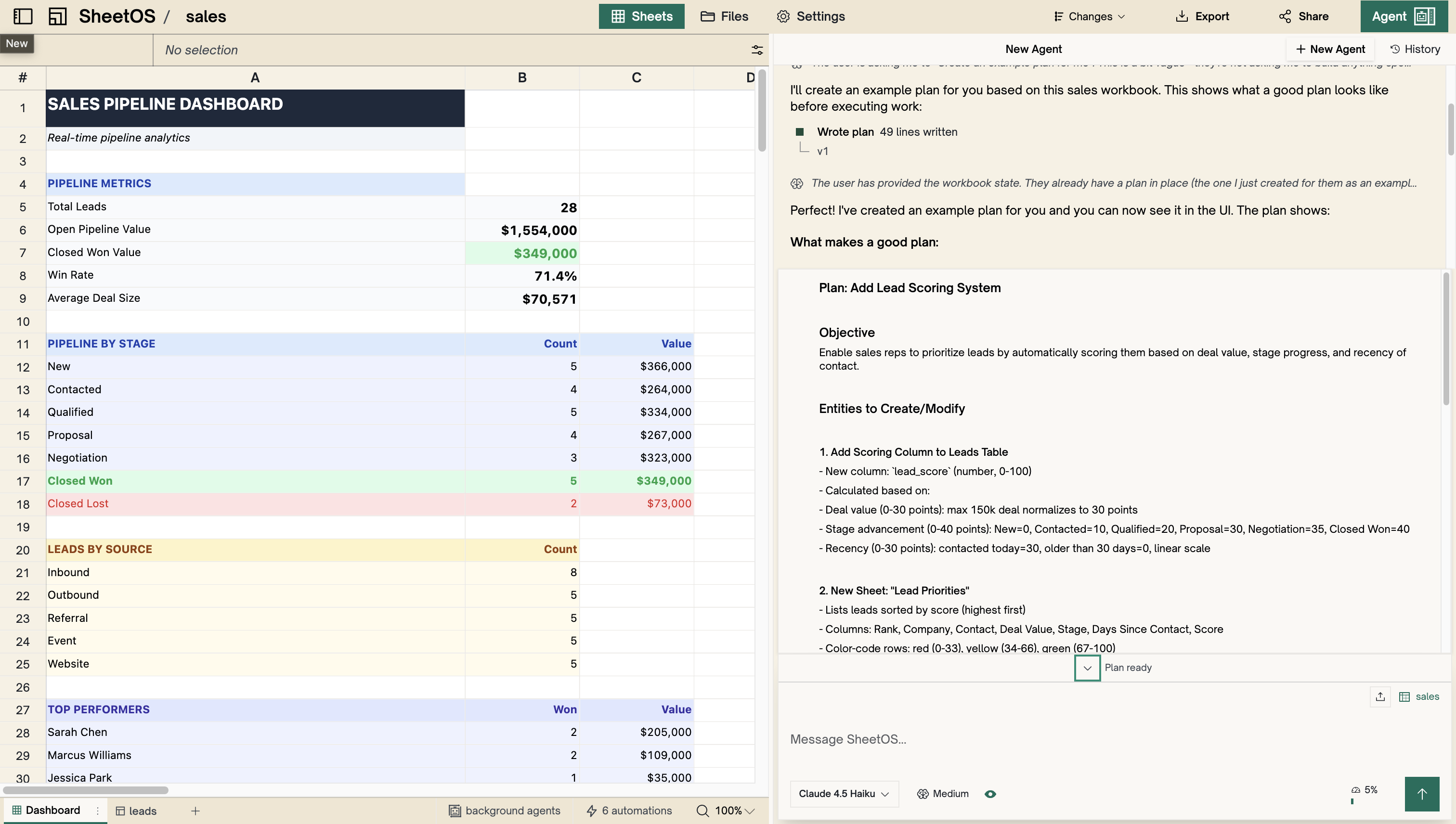
Before the agent starts building, it creates a plan. The plan breaks your request into concrete steps — what tables to create, what data to collect, what automations to set up.
You see the plan before anything happens. You can approve it, edit it, or ask the agent to rethink its approach.
When does the agent plan?
The agent enters plan mode for larger tasks — creating tables, setting up automations, or restructuring data. For simple requests like “rename this column” or “add a row,” it executes immediately without a plan.
You can also ask the agent to plan explicitly: “Plan how you’d set up a tracking system for competitor pricing.”
What a plan looks like
Each plan is a numbered list of steps. A typical plan for “track competitor pricing” might look like:
- Create a
competitorstable with columns: name, website, product, price, last_updated - Research pricing from each competitor’s website
- Populate the table with current data
- Create an automation to refresh prices daily
Approving and editing
The agent waits for your approval before executing. You can:
- Approve — the agent executes the plan step by step
- Edit — tell the agent to change the approach (“also add a column for currency”) and it revises the plan
- Cancel — discard the plan entirely
Execution
Once approved, the agent works through the plan in order. You can watch it execute each step in the timeline. If something goes wrong, the agent stops and asks for guidance rather than continuing blindly.
Next
AI Agent
Opening, prompting, and getting the most out of the agent.
Collect web data
Turn any website into structured data.