Platform
Sheets & Tables
Two ways to organize your data. The agent works fluently with both.
Sheets
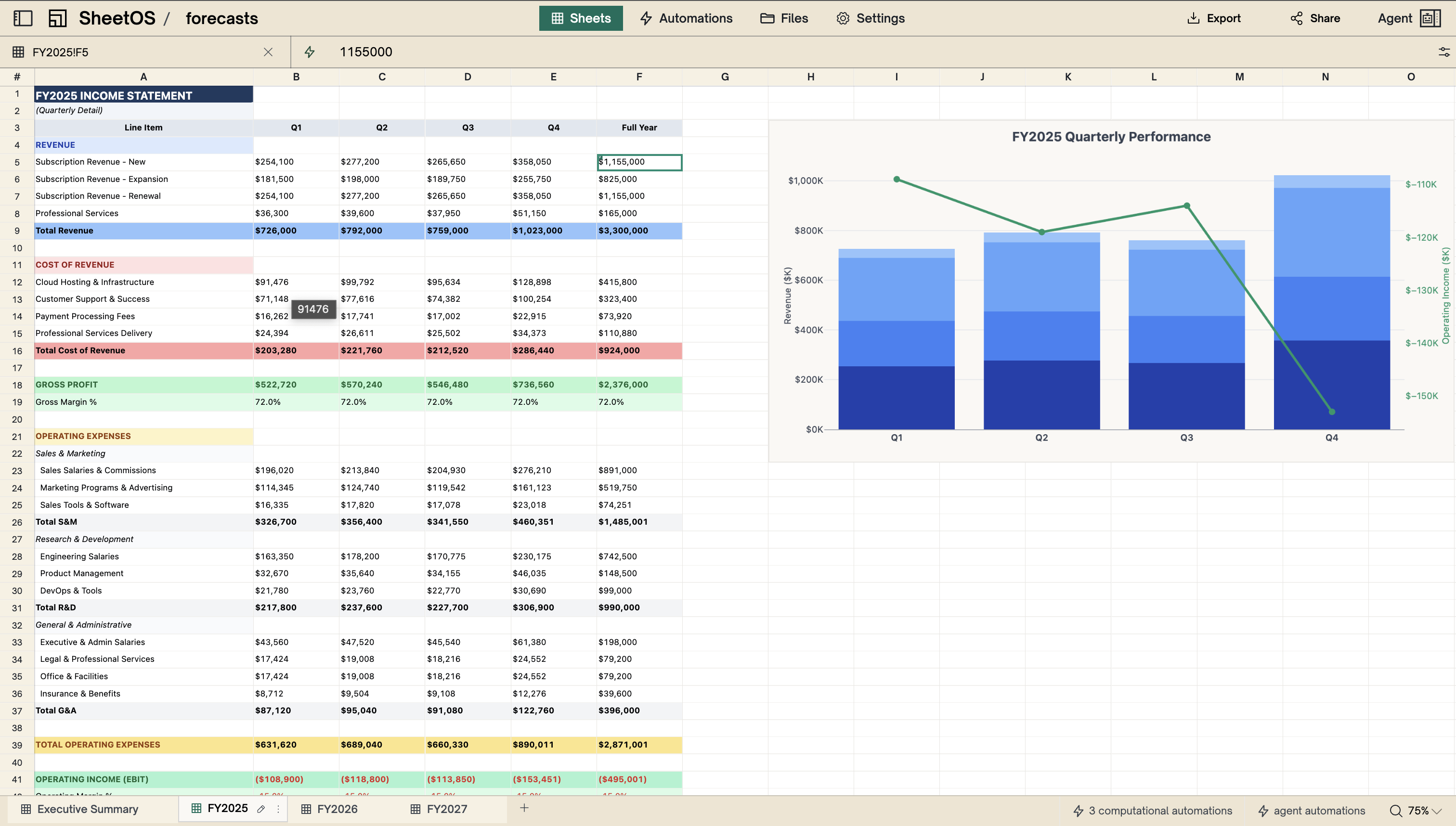
A familiar grid, with real power behind it
Rows, columns, and cells — like a spreadsheet you already know. But the agent can build dashboards, apply formatting, and insert charts without you lifting a finger.
Charts
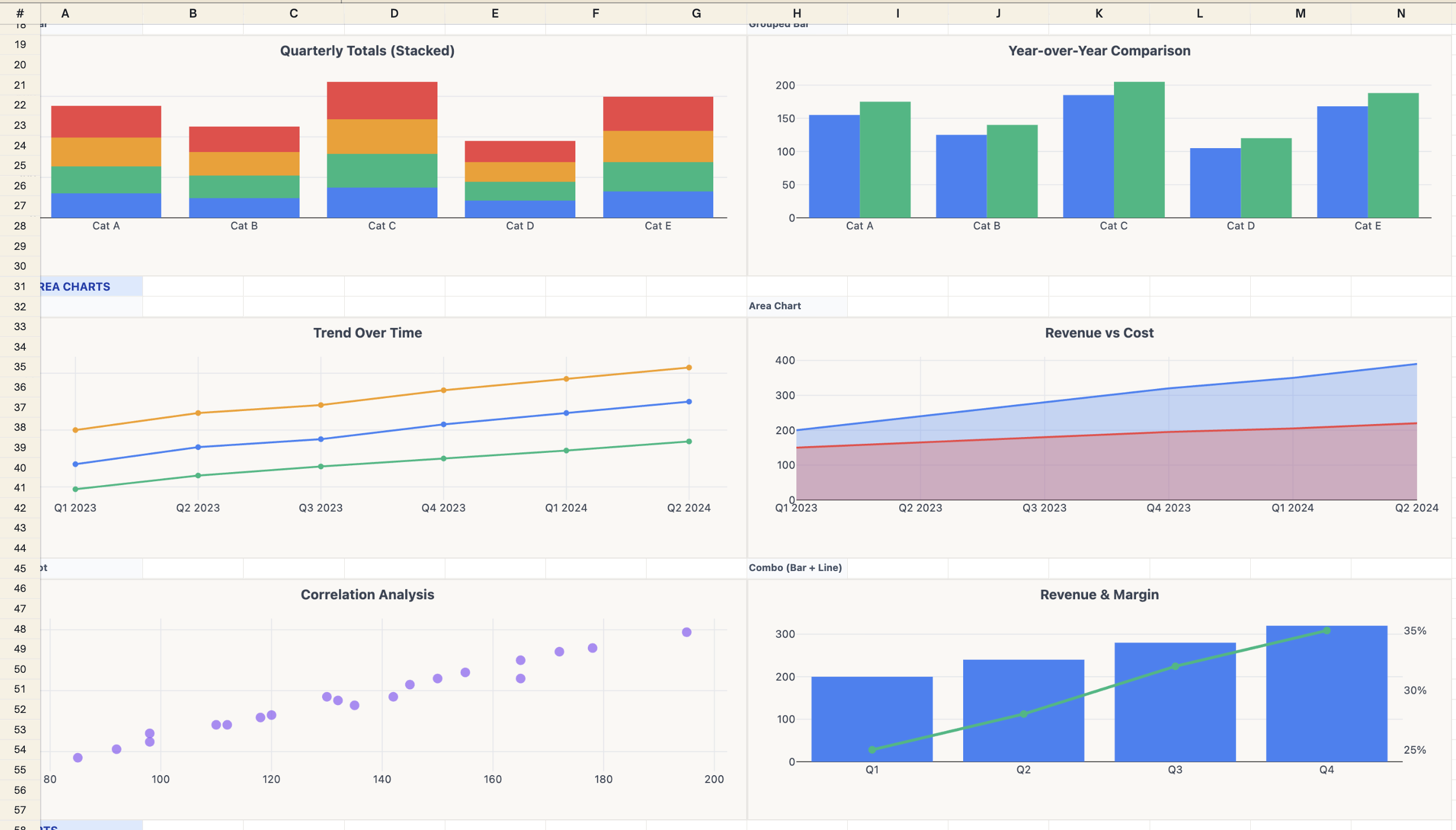
Beautiful charts, built into the grid
The agent creates charts right next to your data. When the data changes, the charts update with it.
Tables
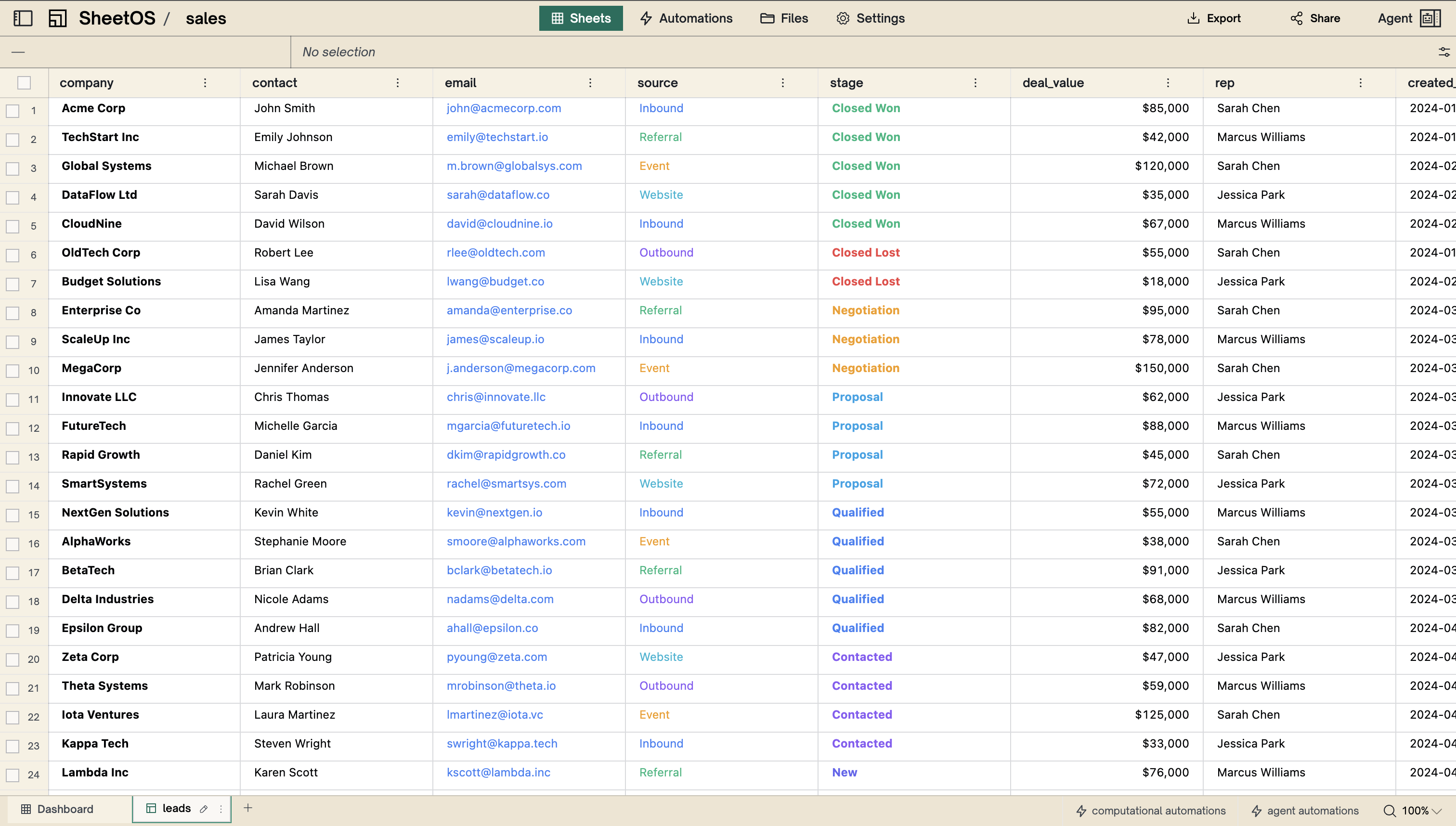
Real structure, not just a wall of text
Named columns with proper types — numbers, dates, URLs, booleans. The agent designs the layout, fills it with real data, and everything stays sortable and filterable.
Filesystem
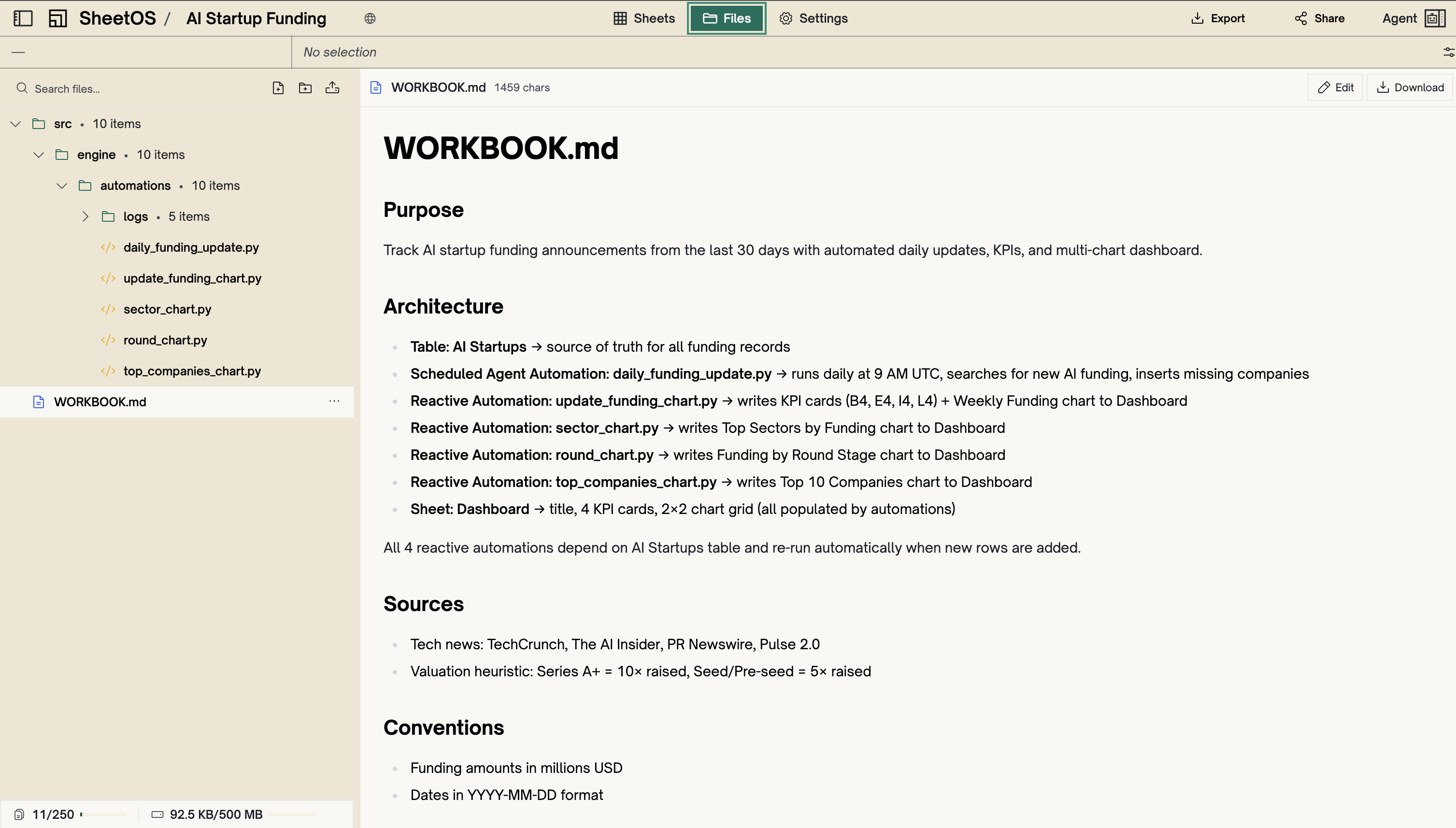
Every workbook has its own file storage. Drop in a PDF, a spreadsheet, a report — the agent reads it and pulls the data straight into your tables.
Upload and extract
Your files become structured data
Upload a financial report and the agent extracts the metrics. Drop in a pricing sheet and it cross-references your data. No import wizard, no manual formatting.
Works with
PDFs
Excel and CSV
Word and PowerPoint
Images and text files
Automations
Your workbook doesn't go stale when you close the tab. It keeps running.
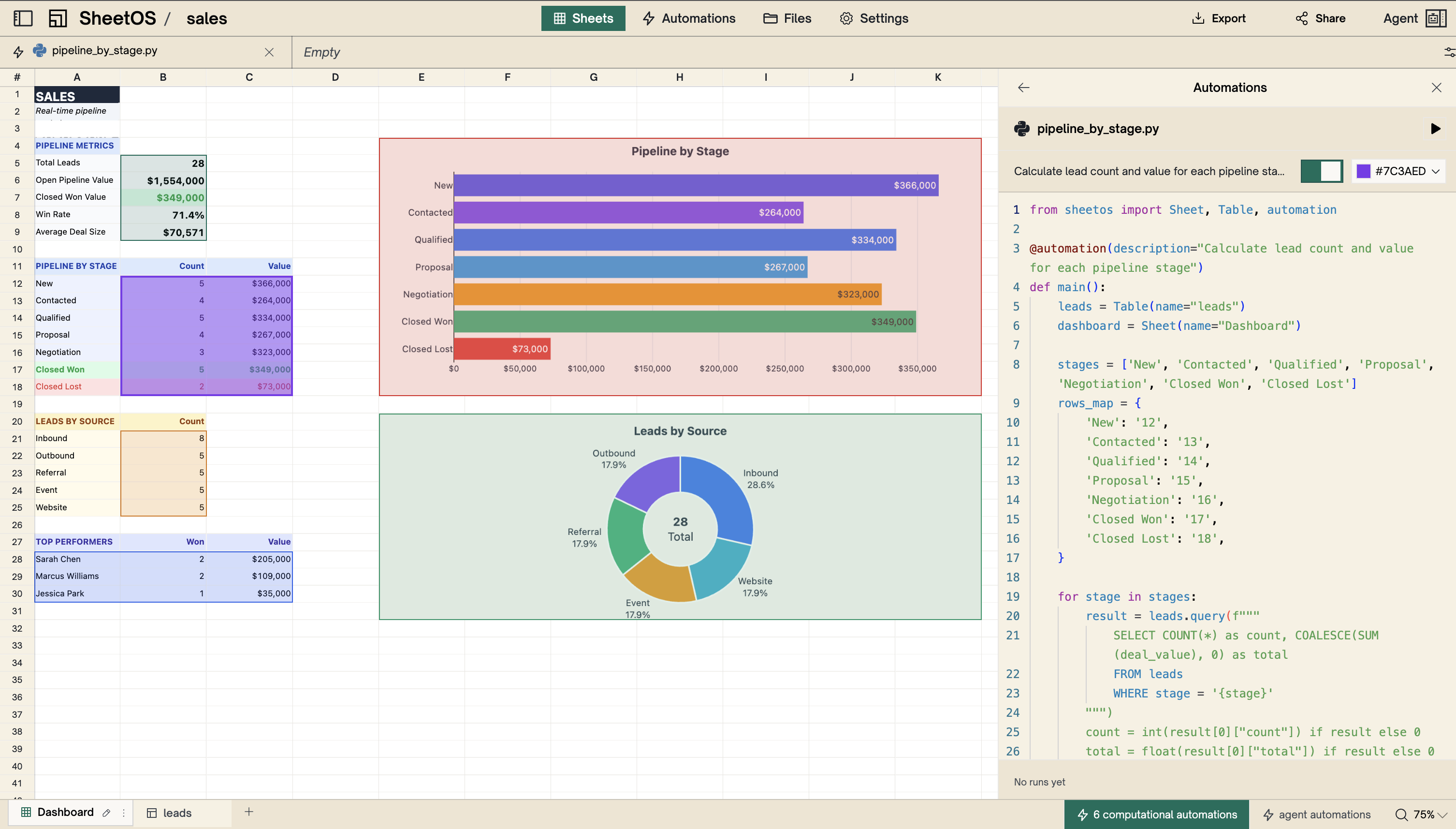
Python automations
Change one number and everything updates
Totals, averages, summaries — they all stay in sync automatically. Edit a value and every calculation that depends on it recalculates instantly.
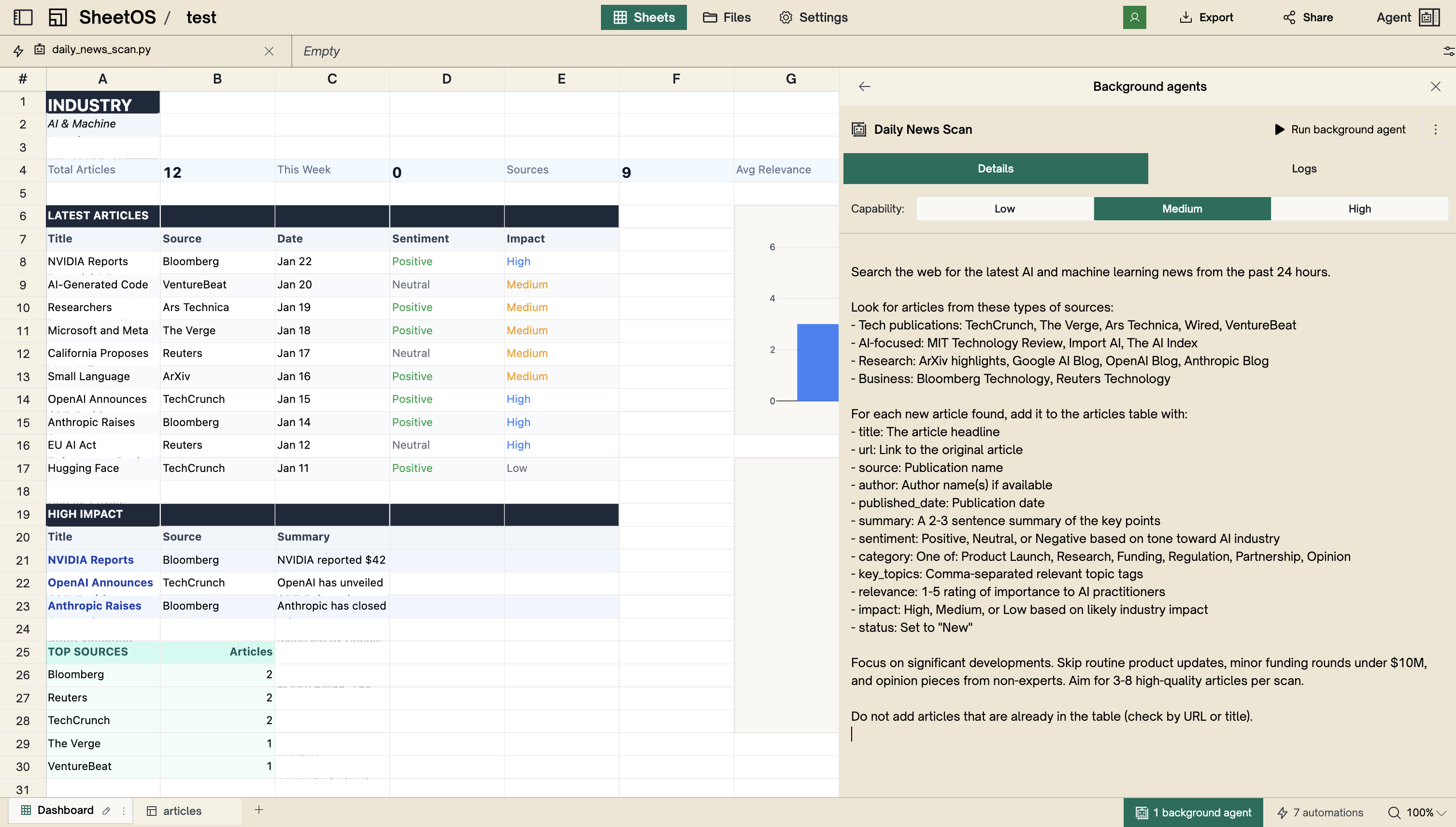
Background agents
Fresh data every morning
Schedule the agent to run overnight — it researches, updates your tables, and has everything ready before you sit down.
Agent
This is what a 10x agent looks like.
You describe what you need. The agent plans the approach, gathers real data from the web, builds the tables, and sets up automations to keep everything fresh. Then it gets smarter about your workbook every time you use it.
You stay in control
The agent proposes what it's going to build before it starts. You review the plan, adjust it, and approve. Nothing happens without you.
You don't have to teach it your industry
EBITDA, churn rates, cap rates, lifetime value. The agent already knows what they mean and how to calculate them.
Make it think harder when it matters
Dial up the reasoning for complex analysis, or keep it fast for quick tasks. You set the depth.
It remembers your workbook
The agent reads your workbook's documentation before every interaction. It knows the purpose, your conventions, and how your data connects.
Refine as you go
"Add a column for founding year." "Remove rows under $1M." You refine in conversation and the agent updates in place.
Pick the right model for the job
Faster and cheaper for simple tasks. More capable for deep research. You choose per conversation.
Real research, not search summaries
Tell the agent what you need and it goes and finds it. It visits the actual pages, reads the content, and extracts the real numbers into your tables.
News and press
Academic papers
10-K filings
Company data
PDFs and docs
CSVs and Excel
Your uploads
Any public URL
MCP
Your data isn't locked in. Every workbook speaks MCP, so tools like Claude Code, Cursor, and Windsurf can read and write your workbooks directly from your editor.
Read the MCP docs